
Recording App
The recording app can be viewed as either a 1-screen or a 2-screen (also ultrawide) setup
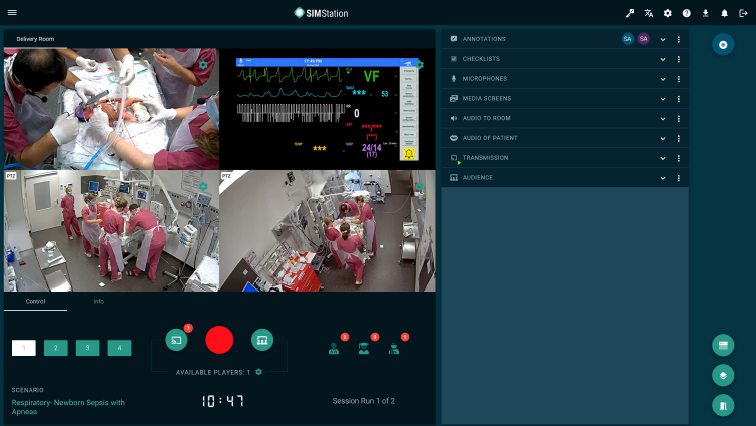
Figure 1: The recording view as a 1-screen application: on the left, the video streams and the control console, on the right, various tools grouped in expandable and collapsible panels. Depending on usage, you decide which tool panels to display. On the far right, the app menu.
Tip: Often, there are only two or three tool panels that are really needed.
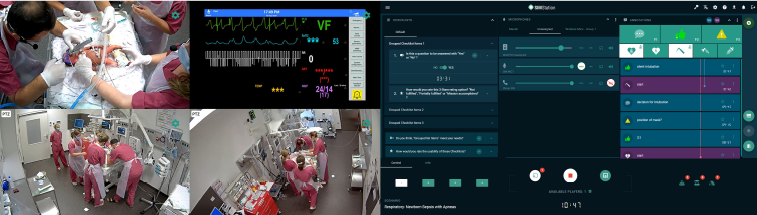
Figure 2: The recording view as a 2-screen application: on the left, the video streams (while the system can support up to 9 video streams simultaneously, the simulation rooms typically have only 2-3); on the right, the tool panels and the app menu. In 2-screen mode, the tool panels can be freely placed via drag & drop, which enables an individual configuration of the work surface.