Proctorio - Updated Steps for Summer
Getting Started
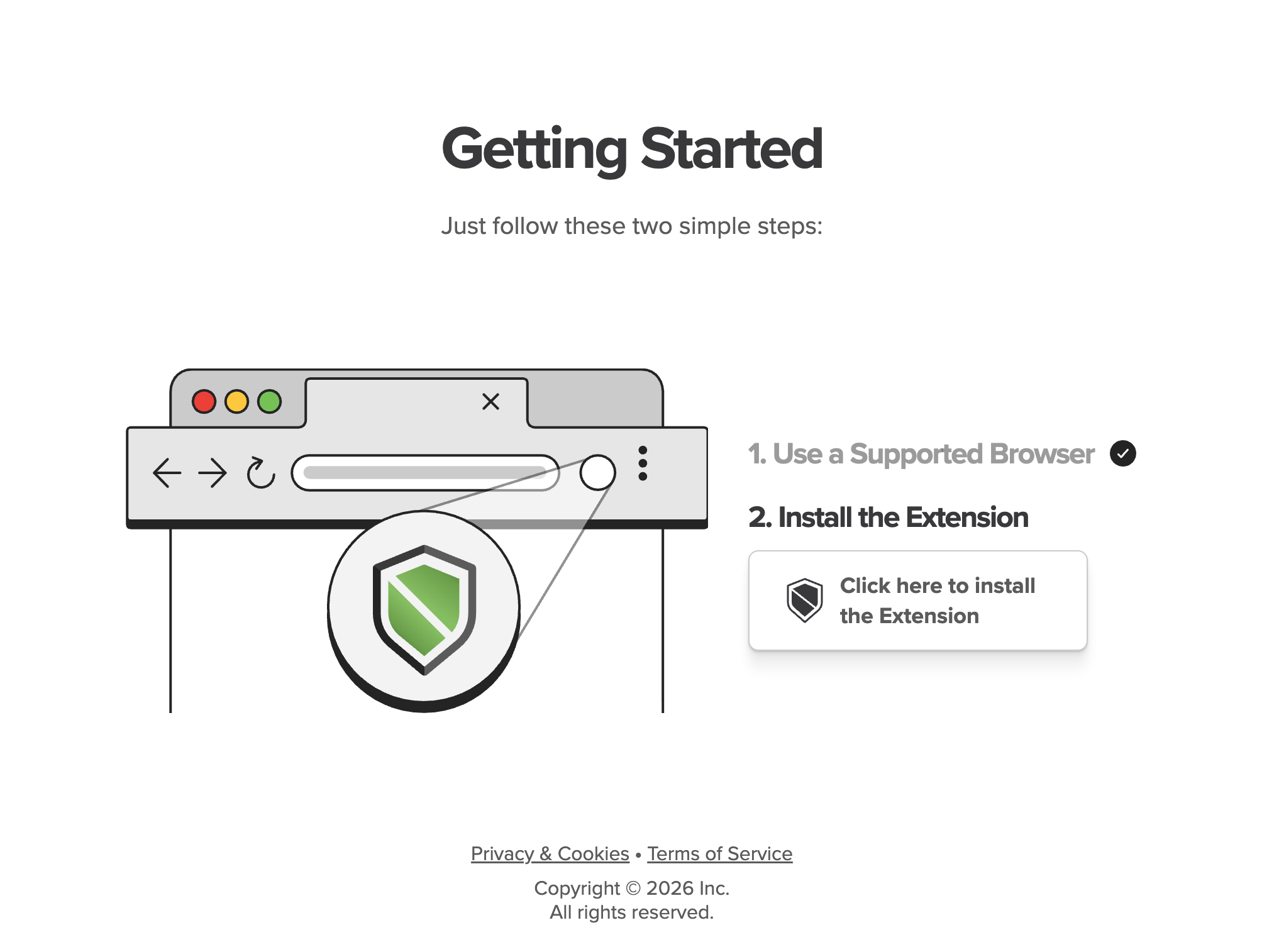
Your instructor may use a proctoring tool called Proctorio which works with Canvas quizzes. To take a Proctorio-enabled Canvas quiz, you will be required to install:
- Proctorio Browser Extension
- Proctorio Secure Companion Application
Prior to your exam, your instructor will provide a “practice” Proctorio-enabled quiz. The purpose of this practice quiz is to give you the opportunity to install the Proctorio Secure Companion application and Proctorio browser extension, as well as resolve any issues with Proctorio Support in advance. It is important to take this practice quiz on the same laptop that you will use when taking your exam.
Preparation
To prepare for your Proctorio-enabled quiz, please make sure to do the following:
- Are using a Mac running macOS 13+ or Windows computer running Windows 10 or 11 with permission to install applications
- Have Google Chrome Installed and Up to Date
- Are connected to a strong internet connection
- Have a working camera and microphone
- Close out of all other applications
- Disable any desktop notifications
- Charge your computer
Taking a Proctorio-Enabled Canvas Exam
Please refer to the Proctorio Support- Secure Companion App article for more information.
| 1. Click on the quiz | |
| 2. Click Begin (or Take the Quiz) | |
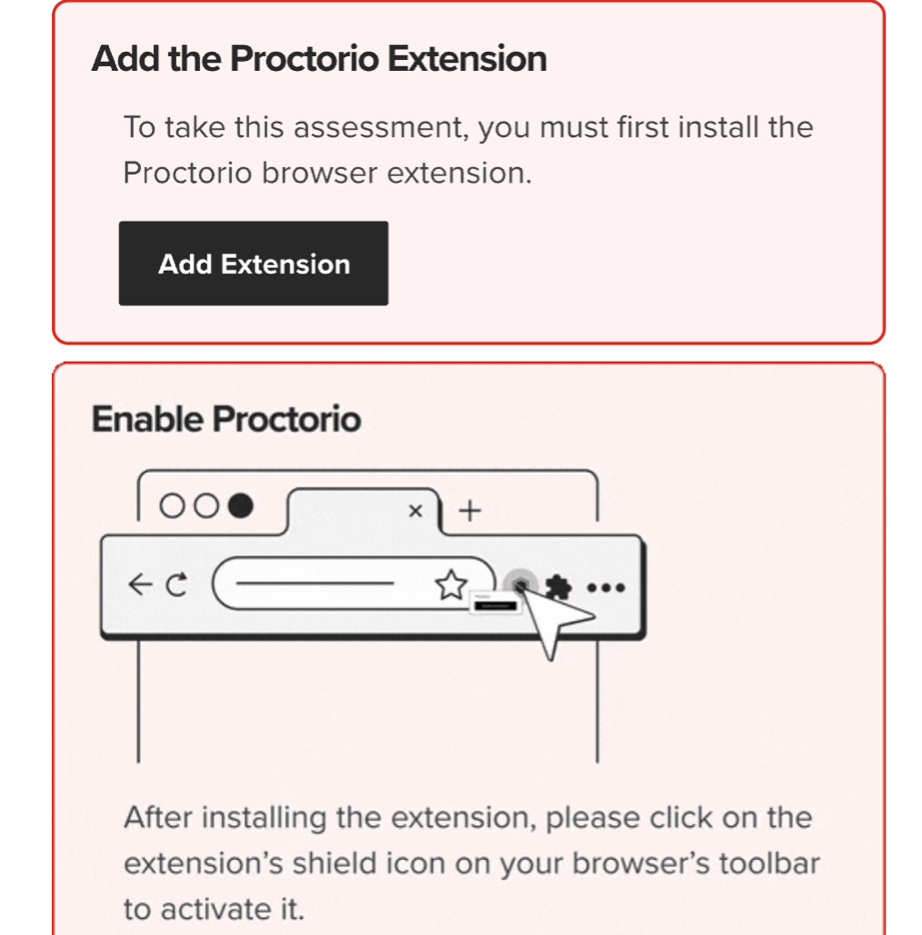
| 3. If you do not have the browser extension already installed, you will be prompted to install and activate it at this step. Click on Add Extension and follow the on-screen instructions to install the extension. |
|
| 4. Next, you will be brought to the “Before You Begin” page which will provide information about Proctorio. Read through and scroll to the bottom. | |
| 5. At the bottom of the “Before You Begin” page, you may see a User Action Required section. You will be required to close any additional open windows and tabs. Click on “Click Here” to have Proctorio close those items for you. | 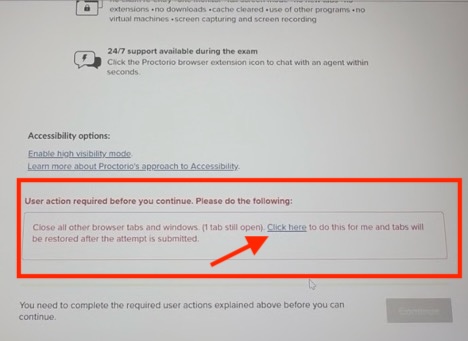 |