Join Zoom Audio by Phone
In the event you cannot join audio by computer, use your phone to join audio by following the steps below:
If you plan to join the audio from your phone:
|
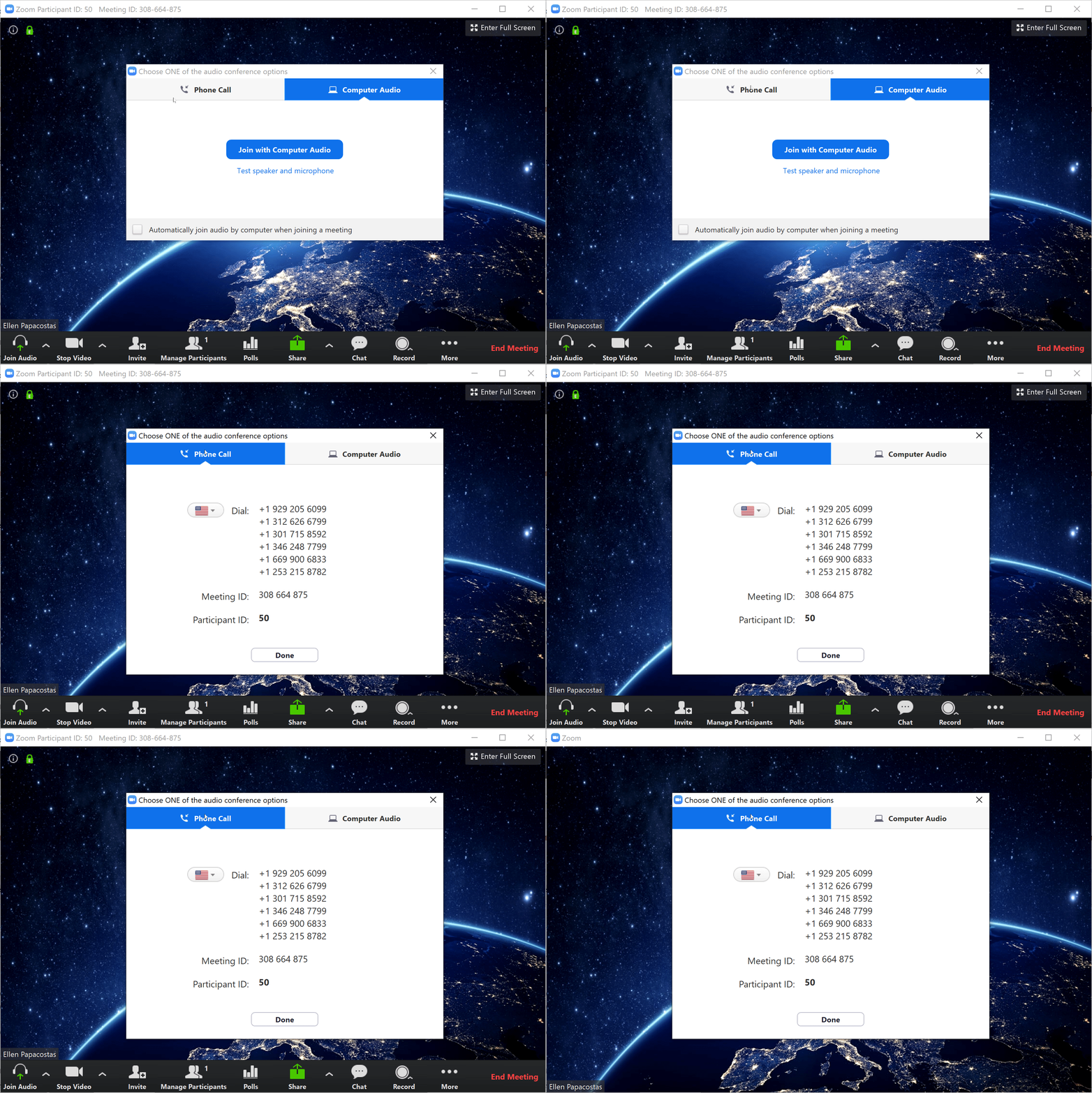
1. Click on the tab that says Phone Call. Dial the phone number that is displayed and enter your Meeting ID when prompted, as well as your Participant ID.
|
 |
|
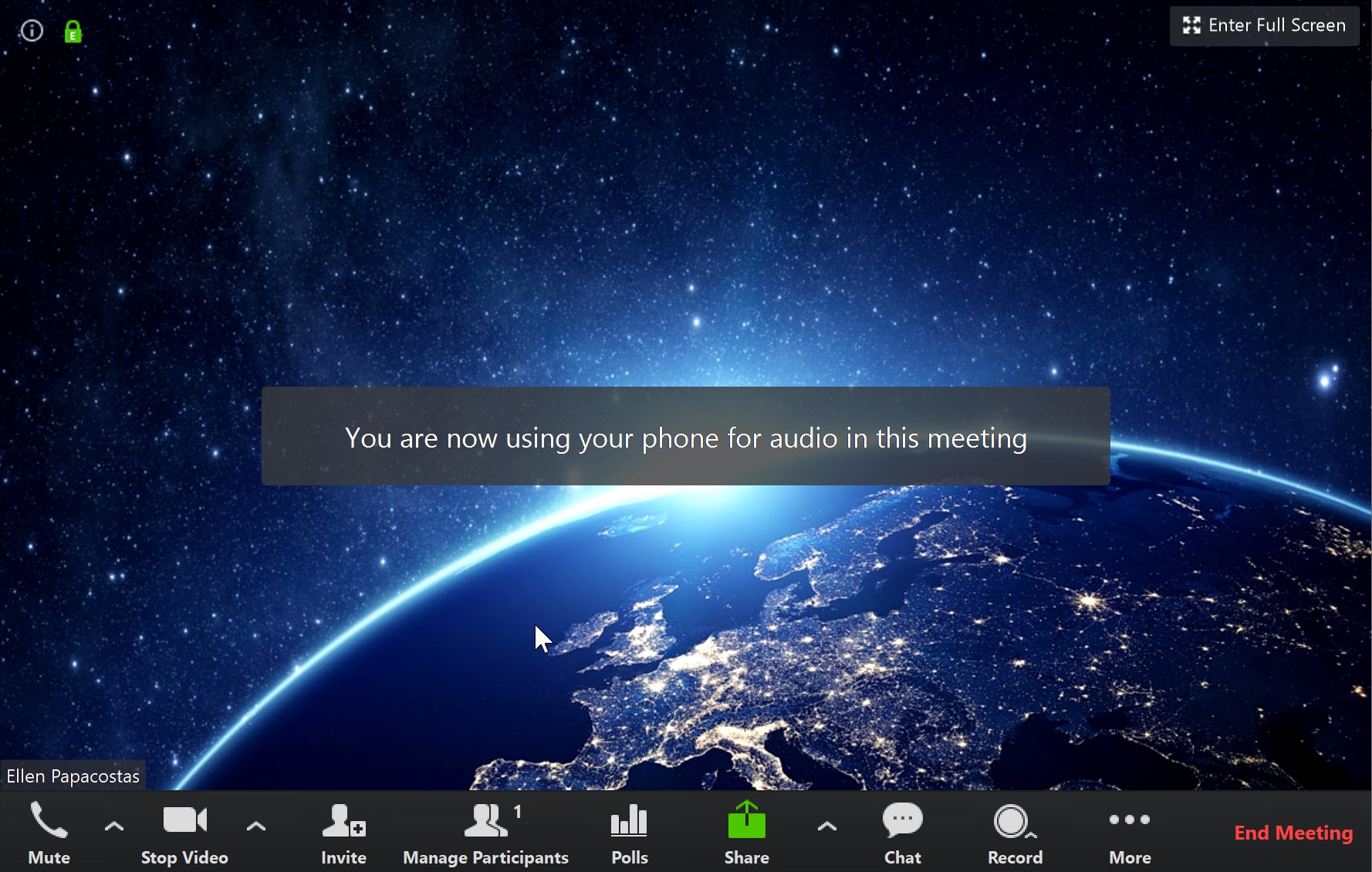
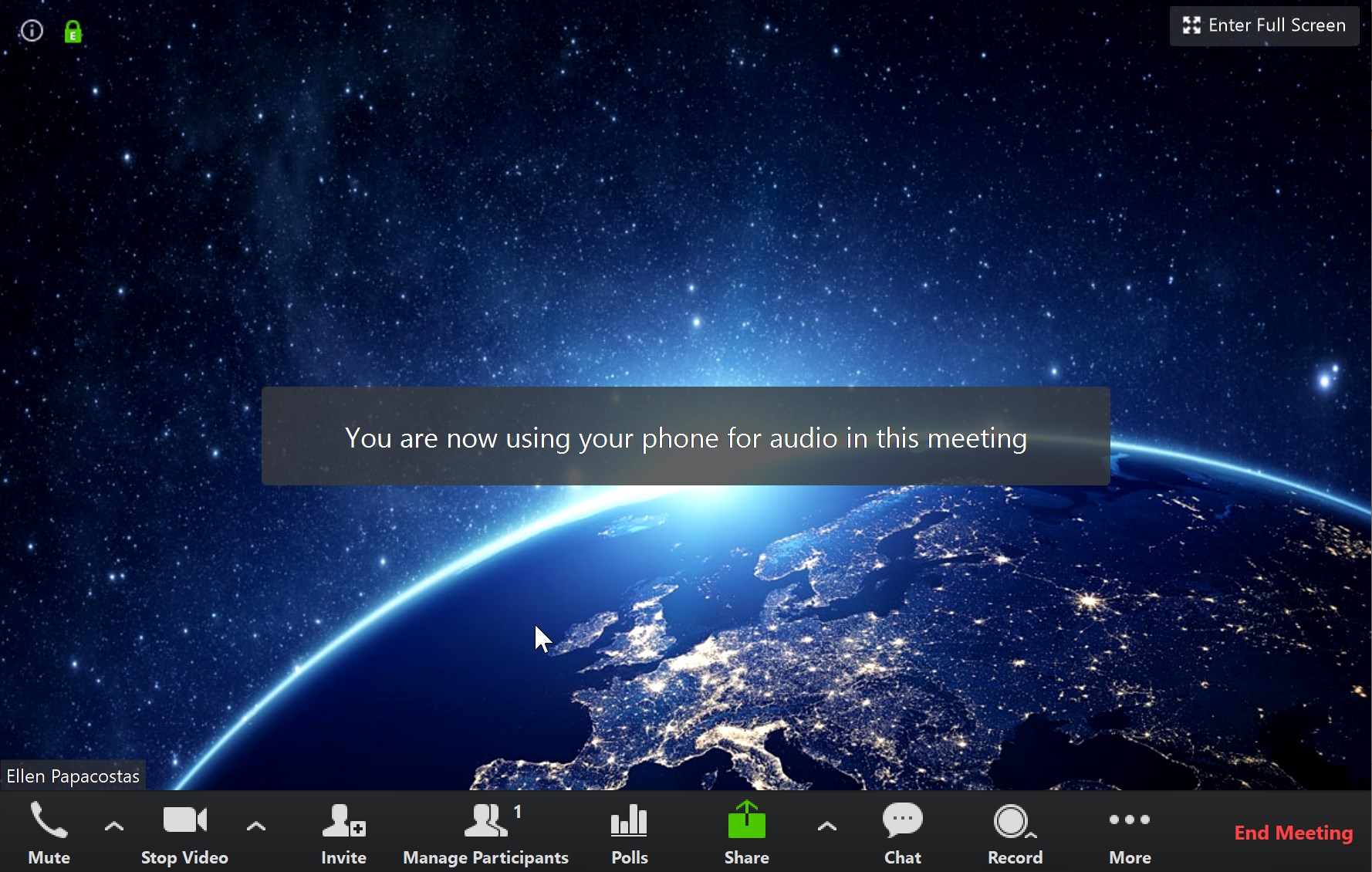
2. After you have successfully joined via phone audio, you will see a message on your screen that says, "You are now using phone for audio in the meeting."
|
 |
If you need to switch to audio from your phone after having already clicked on Join with Computer Audio:
1. Click on the up arrow next to microphone icon in the bottom left corner of the Zoom window. Then click on Switch to Phone Audio. Dial the number that appears in your Zoom window. Then enter your Meeting ID and Participant ID when prompted in the phone call.

2. After you have successfully joined via phone audio, you will see a message on your screen that says, "You are now using phone for audio in the meeting."