
Insta360 App Instructions
Recording with Insta360 App
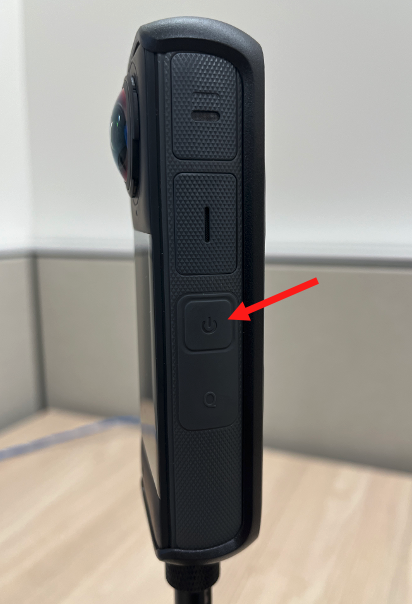
| 1. Turn on the camera by pressing the side power button |
|
| 2. Open Insta360 App on your phone |
|
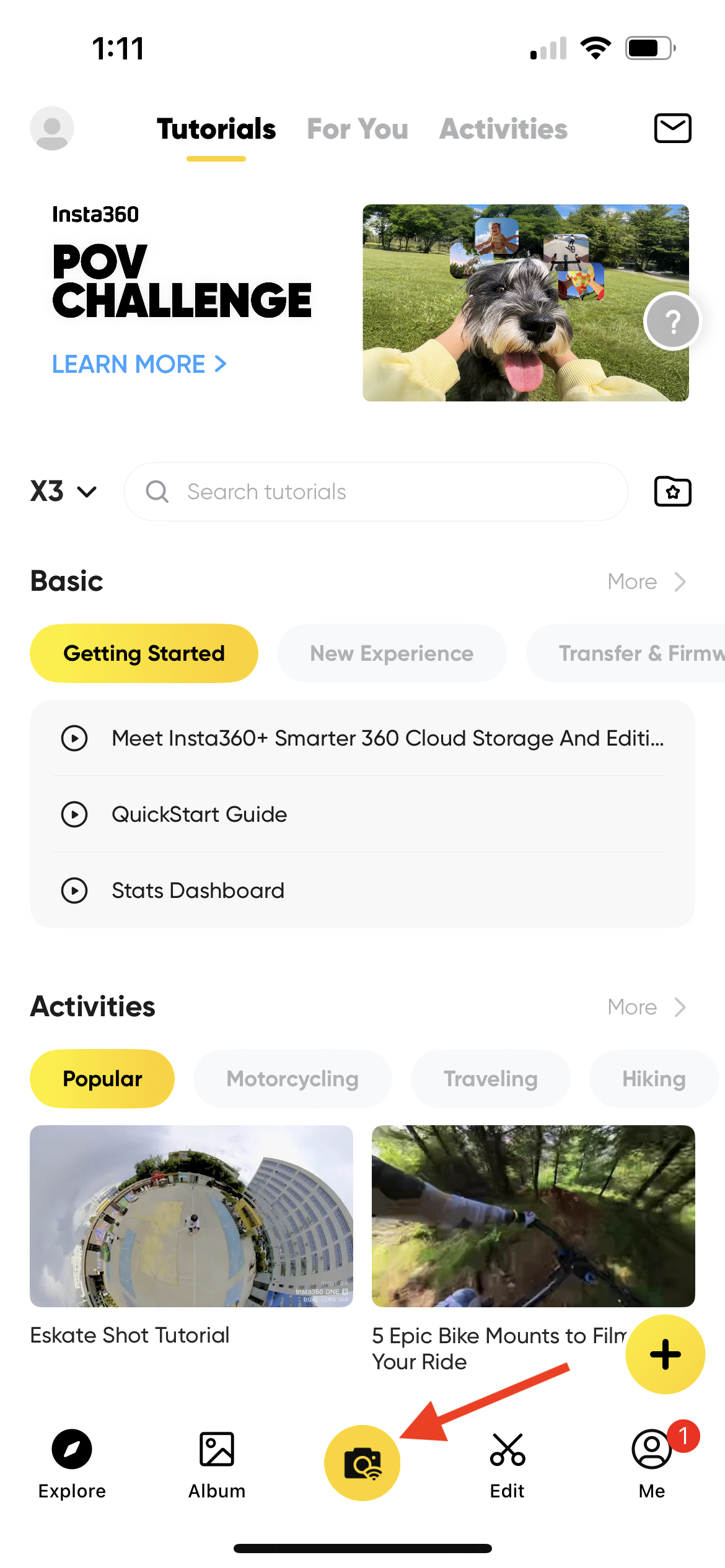
| 3. Press the yellow camera button. You may be prompted to reconnect to the camera again- follow the prompts to do so. |
|
| 4. Press the yellow camera button again | 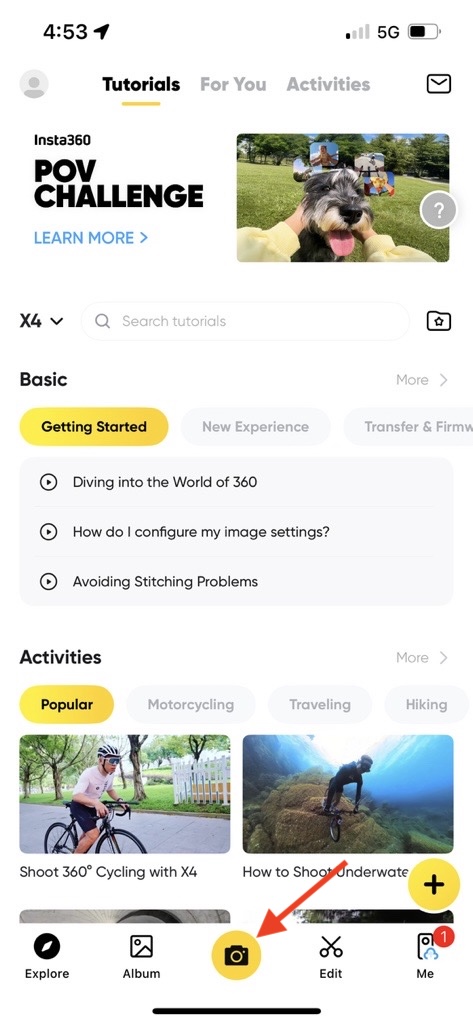 |
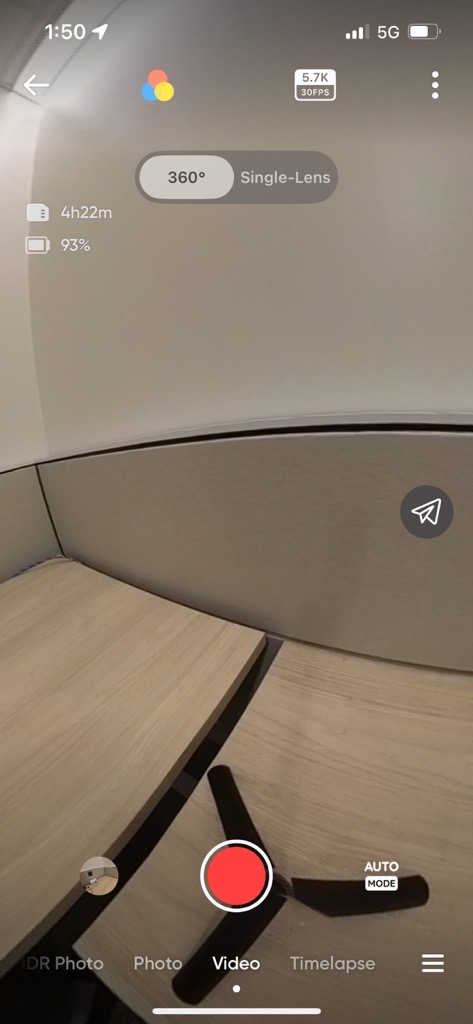
| 5. Confirm your settings, as shown below |
|
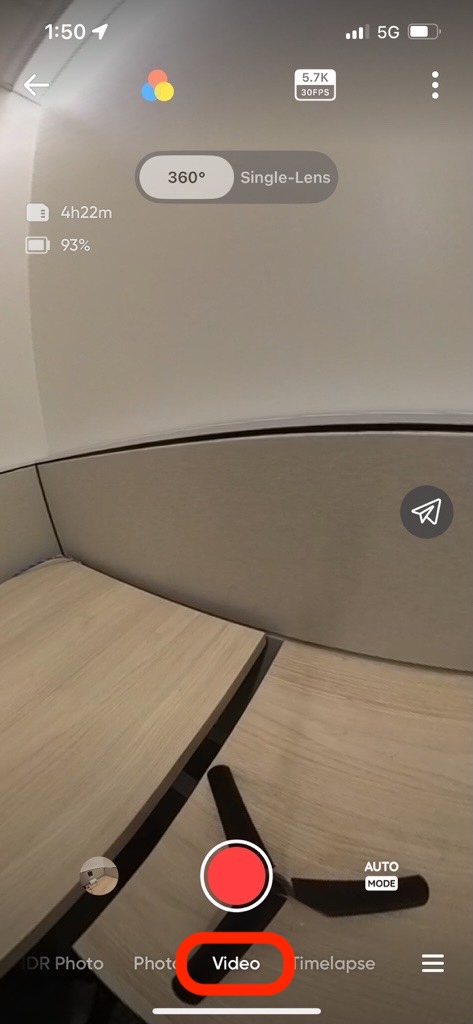
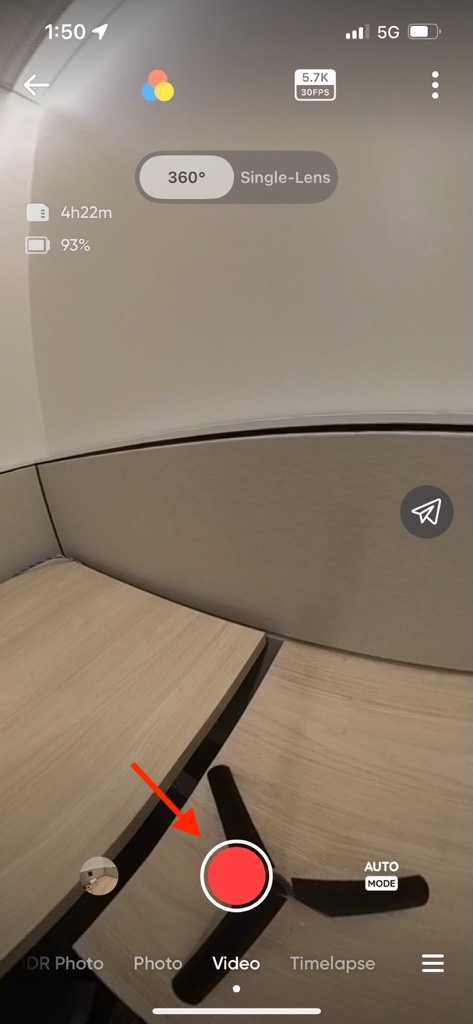
| 5a. Make sure Video is selected |
|
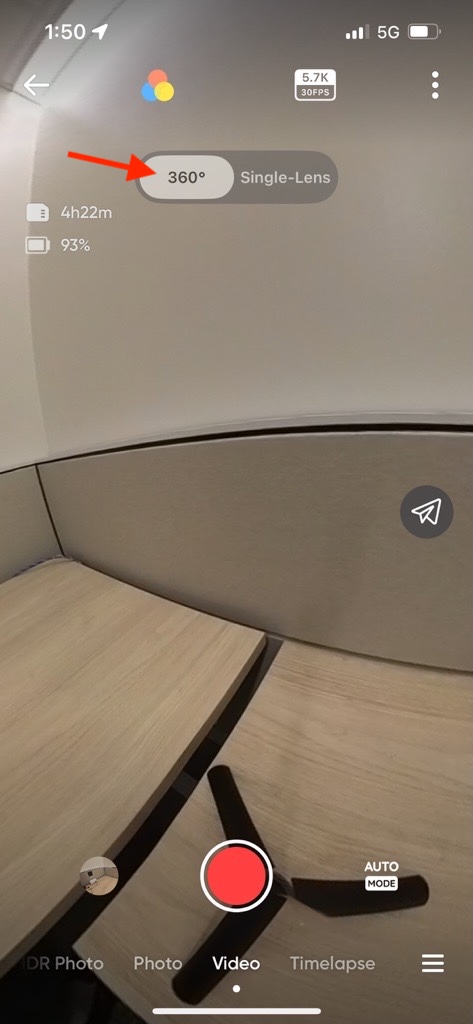
| 5b. Select 360 |
|
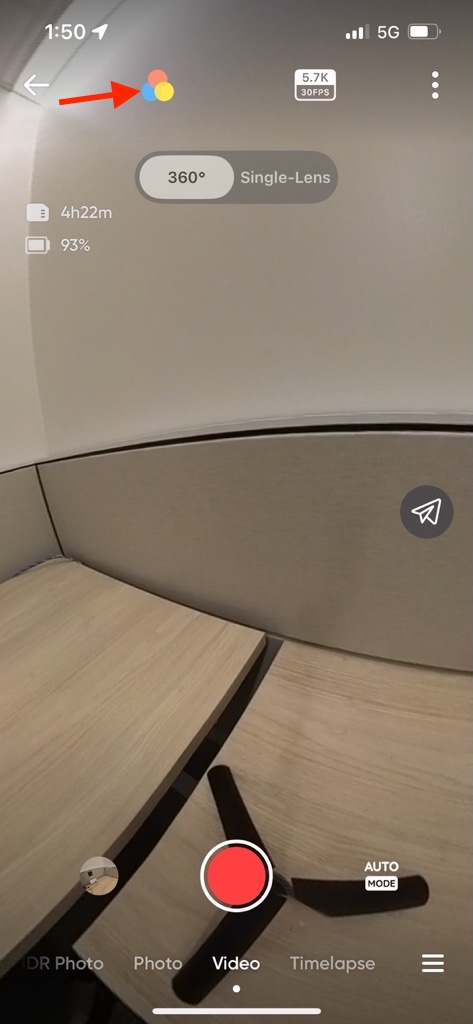
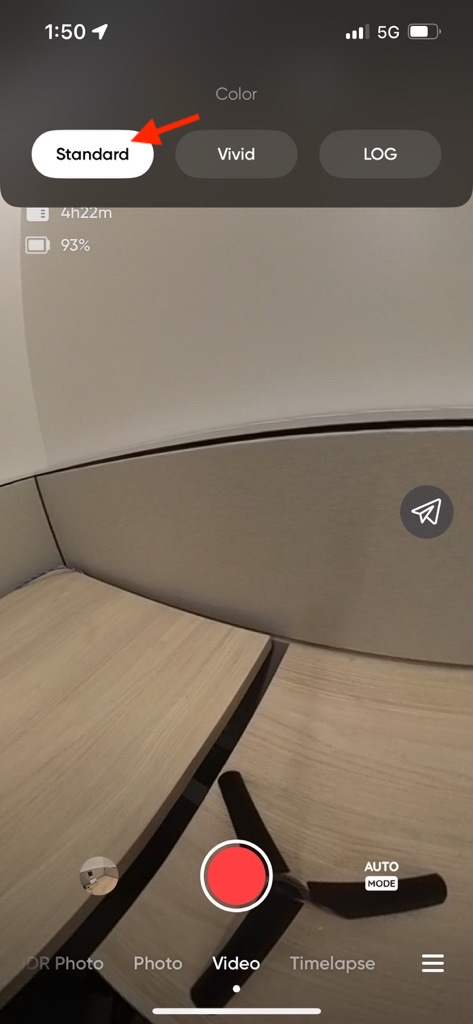
| 5c. Tap the color icon and select Standard |
|
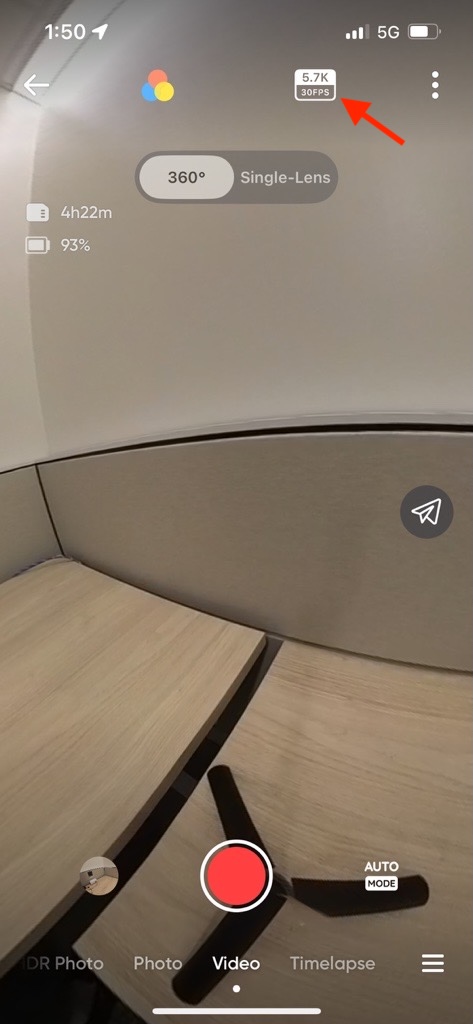
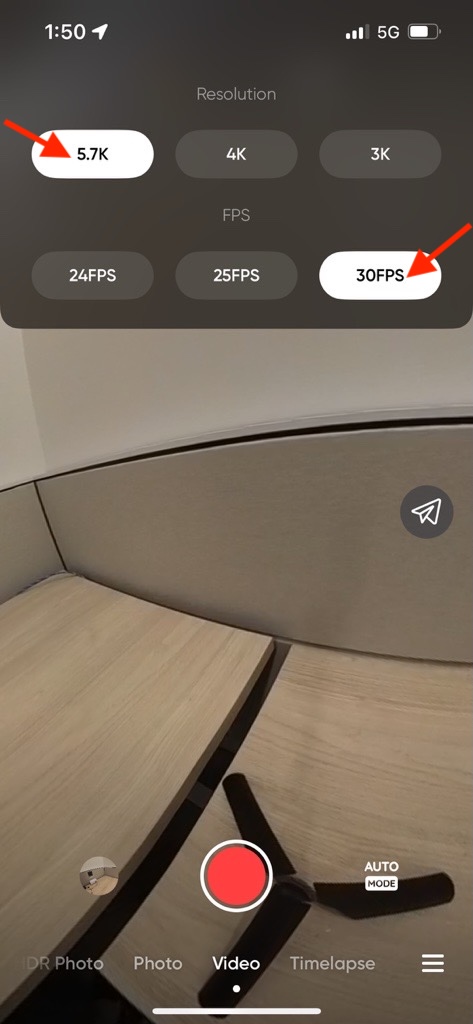
| 5d. Tap the Resolution and FPS button and select 5.7k and 30 FPS |
|
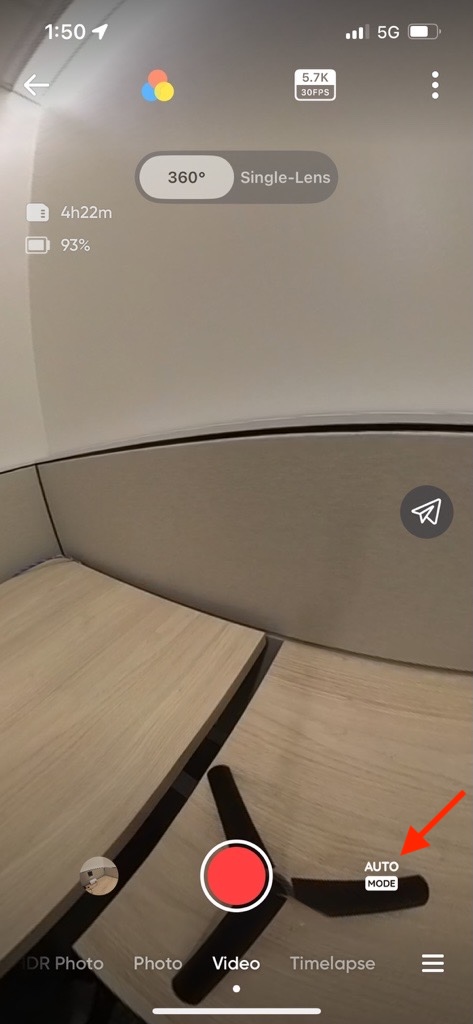
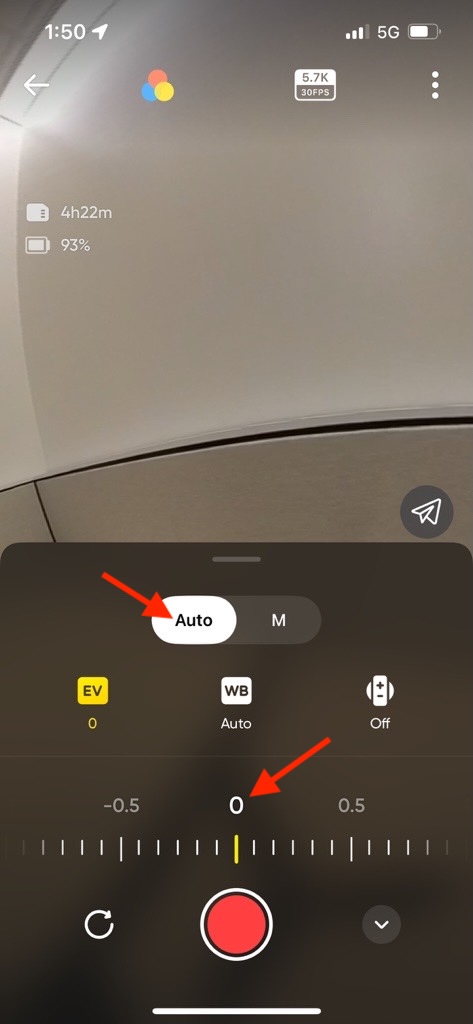
| 5e. Tap the mode button and make sure Auto is selected and EV is set to 0 |
|
| 6. After the settings are correctly selected, press the red button to begin recording. Note that the screen on the camera itself will go dark when using the app. |
|
Exporting Videos from Insta360 App
2. Tap on Album (to the left of the yellow camera button)
3. Press Dewarp (toward the bottom left corner) to turn on Dewarp
4. Tap the yellow up arrow in the upper right corner
5. Select Panoramic Video
6. Tap Save to Album
7. Select 1080P
8. The export process will begin and save to your photos